FPS your way
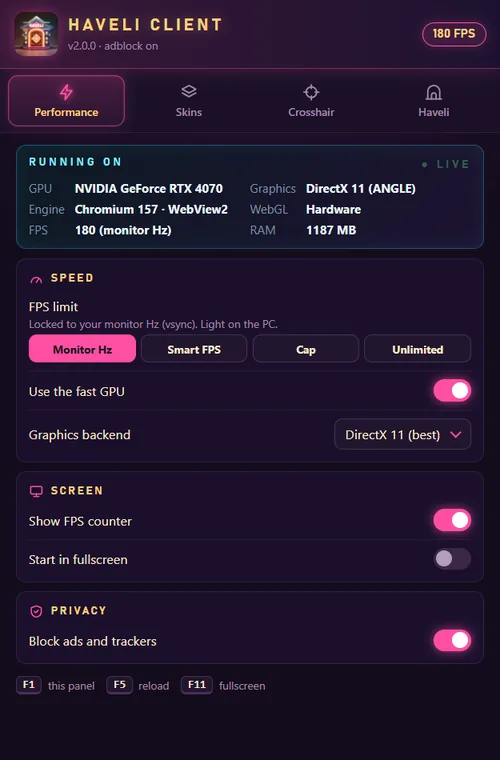
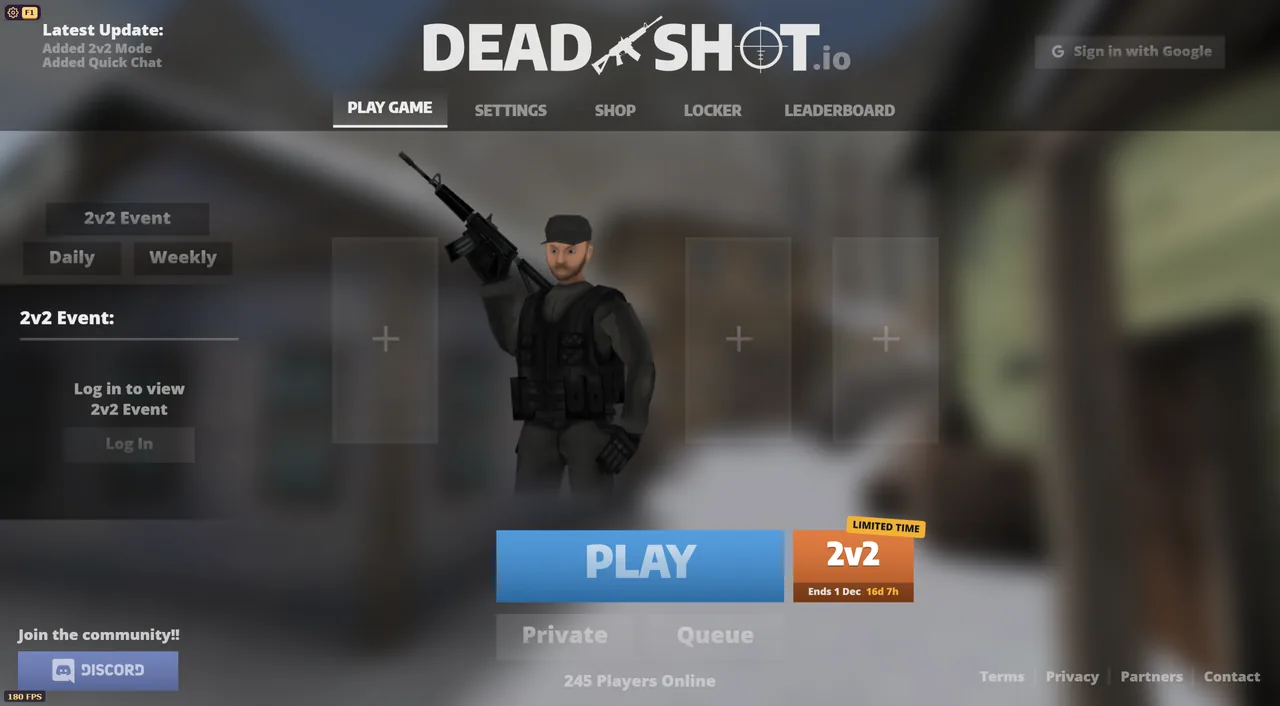
Monitor Hz, Smart FPS, a cap of your choice or Unlimited. DirectX 11 by default, with an FPS counter on screen (you can hide it).
 Haveli Client
Join Haveli
Free client for deadshot.io · Windows
Tiny download. No install. Open it and play.
The download is in the Haveli Discord, channel #client-updates.
Monitor Hz, Smart FPS, a cap of your choice or Unlimited. DirectX 11 by default, with an FPS counter on screen (you can hide it).
Ads and trackers are blocked inside the client. Nothing to set up.
Your own crosshair on top of the game: 7 shapes, plus size, thickness, gap, colour and outline.
Built-in Haveli gun skins, or your own skins and menu background from a folder. Only you see them.
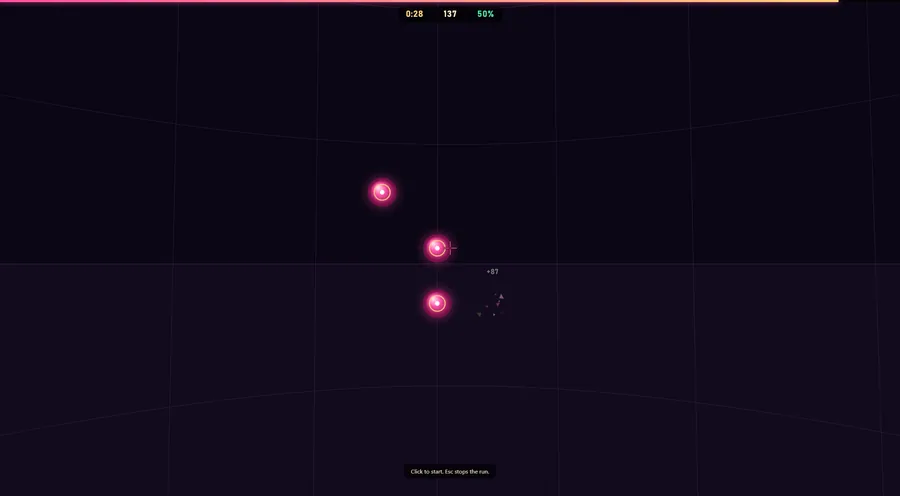
Warm up before a match with targets right inside the client.
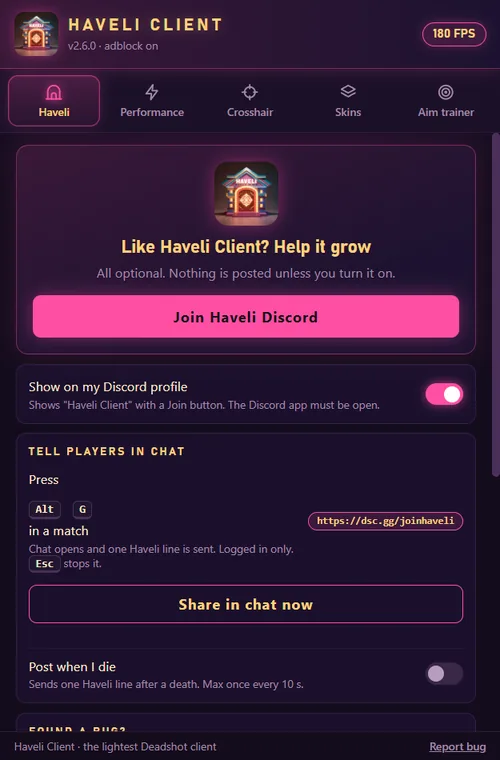
F1 opens the panel. Alt + S saves a screenshot. Alt + G shares the clan link in chat.
HaveliClient-…-portable.exe.The client is new and not signed, so Windows SmartScreen does not know it yet. Click More info, then Run anyway. You only do this once.
Needs Windows 10 or 11 with the Microsoft WebView2 Runtime (already part of Windows 11). If it is missing, the client tells you where to get it.